How to build a video editing portfolio without clients
Build a beginner video editing portfolio with three honest practice samples, clear case notes and a review checklist for Reels, Shorts and clipping work.
You find an editing opportunity that looks manageable. The footage is familiar, the turnaround seems reasonable, and you know how to make the captions. Then the application asks for a portfolio link. You have practice exports scattered across your phone, but nothing you feel comfortable sending.
You can build a video editing portfolio without clients by creating a small set of clearly labelled practice projects. Show complete edits, explain the brief and your decisions, and make each sample easy to watch. Paid work is useful evidence, but it is not the only honest way to demonstrate editing ability.
For Reels, Shorts and clipping opportunities, a focused portfolio should answer a simple question: can this editor turn the supplied material into a clear, watchable piece that fits a brief? Start with that question instead of trying to look like a large production agency.
Choose the editing work you want to be hired for
A wedding montage, a gaming highlight and a podcast clip may all demonstrate skill, but together they can leave a prospective client unsure what you actually offer. Your first portfolio does not need to cover every possible service. Choose one useful direction and make the opening of the page explicit.
For example: “I edit talking-head clips for educational creators, with clear captions and a clean vertical layout.” That tells a reviewer what to expect. “Passionate creative delivering engaging content” uses more words while explaining less. You can expand the offer after you have relevant samples.
Adobe's demo reel guidance recommends focusing a reel on the kind of editing you do and making contact information available. The same principle works for a simple portfolio page: show work that matches the request, then make the next step easy.
If you are aiming at clipping campaigns, read a few actual briefs before planning your samples. Notice whether they ask for particular source material, an on-screen label or a specific narrative style. Our clipping campaign brief template shows the kinds of requirements an editor should be able to interpret.
Build three complete samples with different jobs
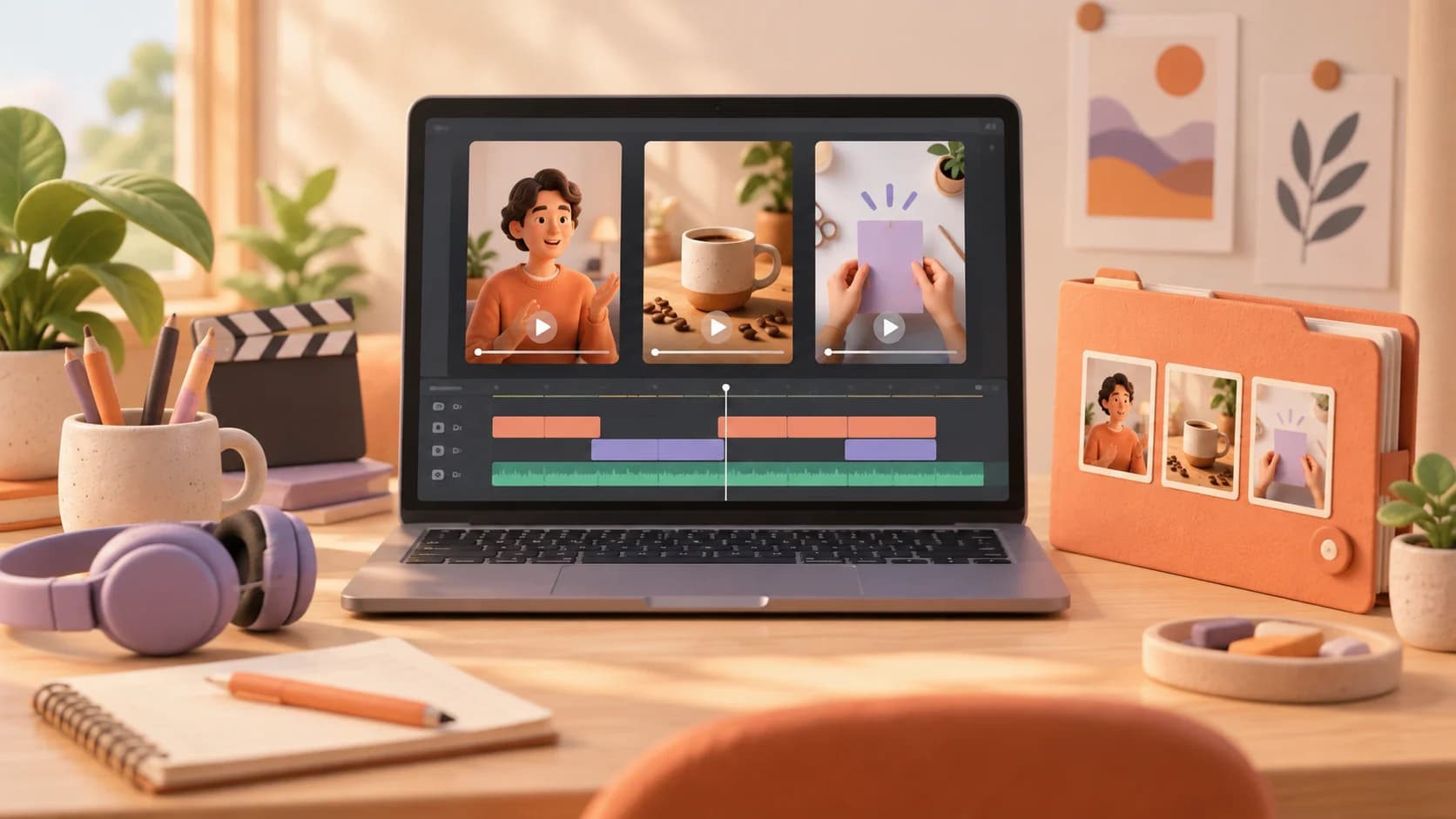
Three is a practical starting target, not a platform requirement or a promise that three clips will win work. It is enough to show variation without delaying your launch for weeks. Give each piece a different communication problem, even if all three use the same editing software.
| Sample | Practice brief | What the reviewer can assess |
|---|---|---|
| Talking-head explanation | Turn one useful answer into a self-contained vertical clip | Selection, pacing, caption accuracy and context |
| Product demonstration | Show how a familiar object solves one small problem | Shot order, visual clarity and a relevant ending |
| Short tutorial | Explain a task in a few understandable steps | Structure, readable labels and continuity |
For the talking-head sample, record yourself explaining something you know or work with a willing collaborator. Pick an answer that still makes sense after removing the original question. The opening should establish the subject, and the ending should complete the thought rather than stopping because the export reached a chosen length.
For the product sample, an ordinary desk item is enough. Film a real action, such as arranging charging cables or making a cup of coffee. A clear sequence of wide shot, detail and result gives you an editing problem to solve. Expensive products and elaborate lighting are unnecessary for this exercise.
For the tutorial, record a task you can demonstrate accurately. Hide personal information before capturing your screen. Cut waiting time while leaving enough visual context for a beginner to follow. If someone needs to pause every second to read the instructions, simplify the text or give each step more room.
Label practice work so nobody mistakes it for a client project
Put “self-directed practice project” beside a sample you created yourself. If it is based on an imaginary brief, say so. Do not place a company's logo above the edit in a way that implies the company commissioned you. Clear labelling lets the work stand on its own without an invented relationship.
Use footage you created or material whose permission or licence covers your intended use. Check the actual terms before publishing someone else's footage, music or templates. Being able to download a file does not tell you whether you can display it in a public portfolio. Keep permission records with the project files.
Campaign access also does not automatically mean unlimited portfolio permission. If you later edit supplied campaign material, check whether public display is allowed before adding the result. When the terms are unclear, request written clarification from the owner rather than assuming that a public source video settles the question.
Never invent views, conversion results, testimonials or earnings. A practice clip with no audience can still prove that you selected a coherent moment, corrected captions and delivered a clean export. Explain those observable choices instead of attaching a performance claim you cannot support.
Give every sample a short case note
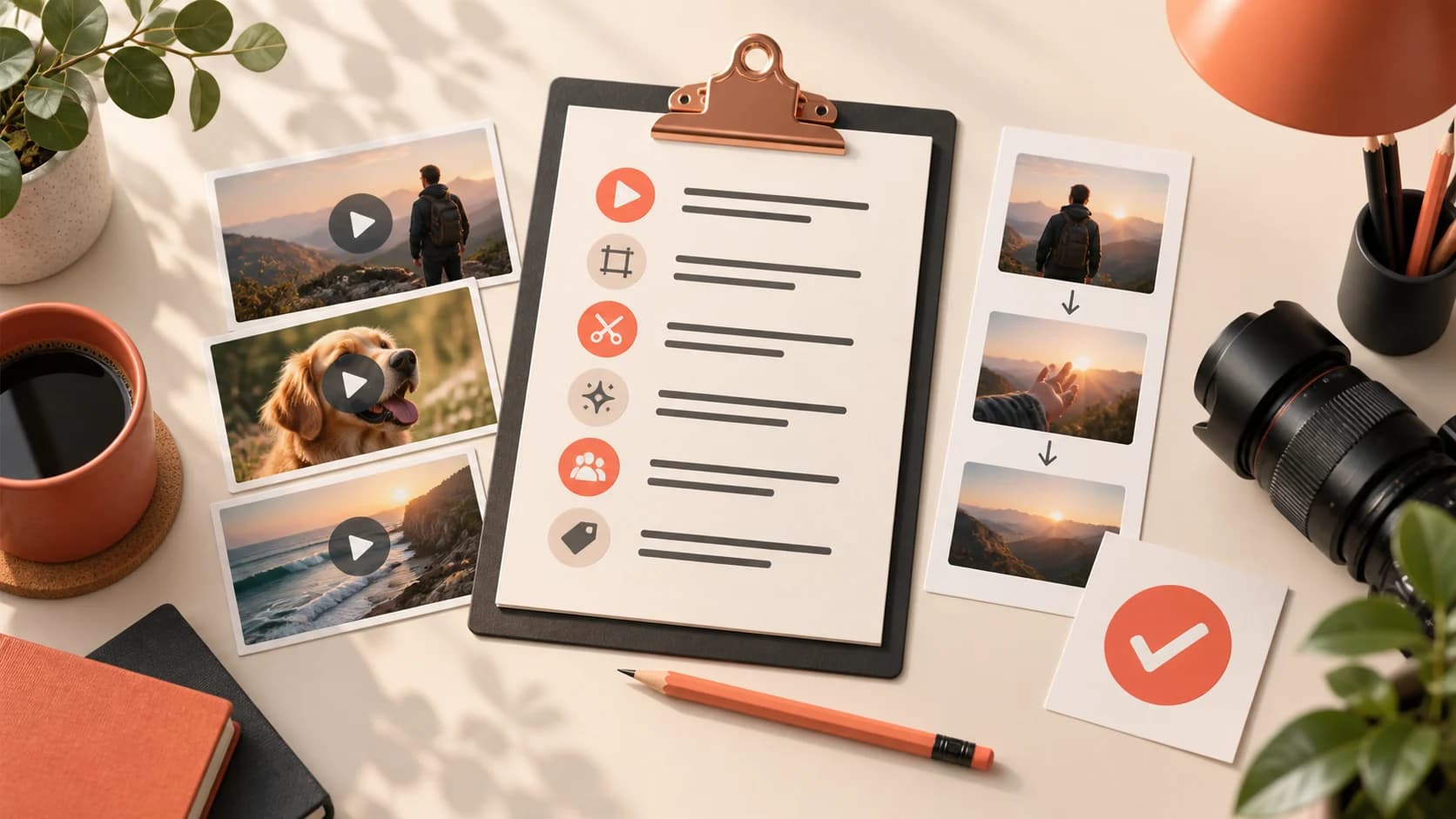
A video alone shows the result. A short note explains your contribution. Keep it specific enough that the reviewer understands what you received, what you changed and why. Avoid writing a long essay that becomes another obstacle between the reviewer and the play button.
Here is a fictional example: “Practice project using my own recording. The source was a two-minute explanation of phone battery settings. I selected one complete answer, removed repeated phrases, corrected the automatic captions and used a screen insert to show the setting being discussed. The goal was clarity for a beginner watching on a phone.”
That note separates the source from the editing work and defines a sensible objective. It does not claim that the clip went viral. For a collaborative project, name the parts you handled: selection, edit, captions, sound cleanup or graphics. Credit the other contributors where appropriate.
You can add a brief before-and-after excerpt if you have permission to show both versions. Choose a moment where the change is understandable: a confusing pause, a caption correction or an unnecessary detour. The comparison should reveal judgment, not embarrass a speaker or pretend that every natural pause is a mistake.
Review the export on a phone before sharing it
Watch the finished file from start to finish outside your editing app. Listen through a phone speaker as well as headphones. Look for clipped words, abrupt audio cuts, accidental black frames and text that disappears before it can be read. These small faults are more useful to fix than adding another transition.
Check the framing and captions on a small screen. Keep essential information away from areas likely to be covered by platform controls, and preview in the intended platform when possible. Interface overlays vary, so one rigid template is not a substitute for checking the actual viewing experience.
Read captions while listening to the original speech. Names, amounts and technical terms deserve particular attention. Automatic transcription is a draft. If you change a speaker's wording for readability, make sure you preserve the meaning and do not remove a qualification that changes the claim.
Finally, test the portfolio link in a signed-out browser. A file that requires your account login is not reviewable by a stranger. Check playback, thumbnails and navigation on mobile. Make the first sample accessible without asking the visitor to download a large archive.
Keep the portfolio page simple
Start with your editing focus, then show your strongest relevant sample. Follow with the other complete clips and their case notes. End with a contact method you are comfortable making public, your availability and a clear description of the work you are looking for. You do not need a complicated website to do this well.
A short montage can work as an introduction, but include complete samples too. A reviewer needs to see whether you can sustain a coherent edit beyond a collection of your best-looking seconds. Avoid an autoplay soundtrack that competes with the sample they are trying to hear.
Describe your tools only where they help a client understand the handoff. Someone requesting an editable project may care which application you use. Someone asking for a finished vertical video will usually need to know whether you can meet the brief, communicate clearly and deliver the agreed file.
Keep the presentation accurate as you improve. Replace a weaker sample when you have stronger relevant work. There is no need to keep every practice export on the page as evidence of effort. A portfolio is a selection that helps another person make a decision.
Use the samples to evaluate opportunities, too
When applying for a project, send the sample closest to its requirements and explain the connection in one sentence. A podcast client should not have to search through a gaming montage to find your talking-head work. Mention a real observation about the brief rather than claiming you can make any video viral.
For Dashrize opportunities, read the current campaign's eligibility, source-material instructions and reward terms before participating. A portfolio can demonstrate readiness, but it does not replace campaign rules or guarantee acceptance or earnings. The guide to starting video clipping provides broader context for that workflow.
Keep practice work and paid delivery separate. If someone requests a test edit, clarify the scope, intended use and payment arrangement before beginning. A small, defined assessment is different from an open-ended request for a week of publishable work. Your portfolio should reduce uncertainty on both sides.
Questions beginners usually ask
Do I need followers before making a portfolio? No. A portfolio demonstrates the editing work you can do; an audience demonstrates a different capability. If a particular campaign requires a qualifying social account, assess that requirement separately.
Should I buy better software first? Start with a tool you can use reliably. Upgrade when a real requirement prevents you from delivering, not because a portfolio feels more professional with an expensive application name attached. Clean selection, readable captions and complete ideas remain visible in the exported video.
How long should I spend before sharing it? Set a manageable first version: three finished samples, three concise case notes and one working contact route. Ask someone unfamiliar with your projects to open the page and explain what service you offer. If they can watch the work and answer that question, you have something useful to send while you keep improving.
Find these guides useful?
Add Dashrize as a preferred source on Google to see more of our creator-earnings guides in your Search results.